How to Save TikTok Recipes as Organized Recipes
Save a TikTok recipe from the share menu or a copied link, then review, organize, and cook.

Arisa Shiraishi
Solo builder of Souschef3 min read
TikTok is great at helping you discover dinner and less great at helping you find that dinner again. A recipe can vanish into Favorites, get buried under newer videos, or make you replay the same ten seconds while your hands are covered in flour.
Souschef lets you save a TikTok as a structured, editable recipe. Share the video directly to Souschef or copy its link and paste it into the importer. Souschef uses the video's description and, when available, its spoken audio to organize the ingredients and steps.
Quick answer: Open the TikTok recipe, tap Share, and select Souschef. You can keep browsing while the import runs in the background; Souschef sends a notification when it finishes. Then review the imported recipe. If sharing is unavailable, copy the TikTok link and paste it into Souschef.
Save a TikTok recipe from the share menu
🐾 Step 1: Open the TikTok video containing the recipe.
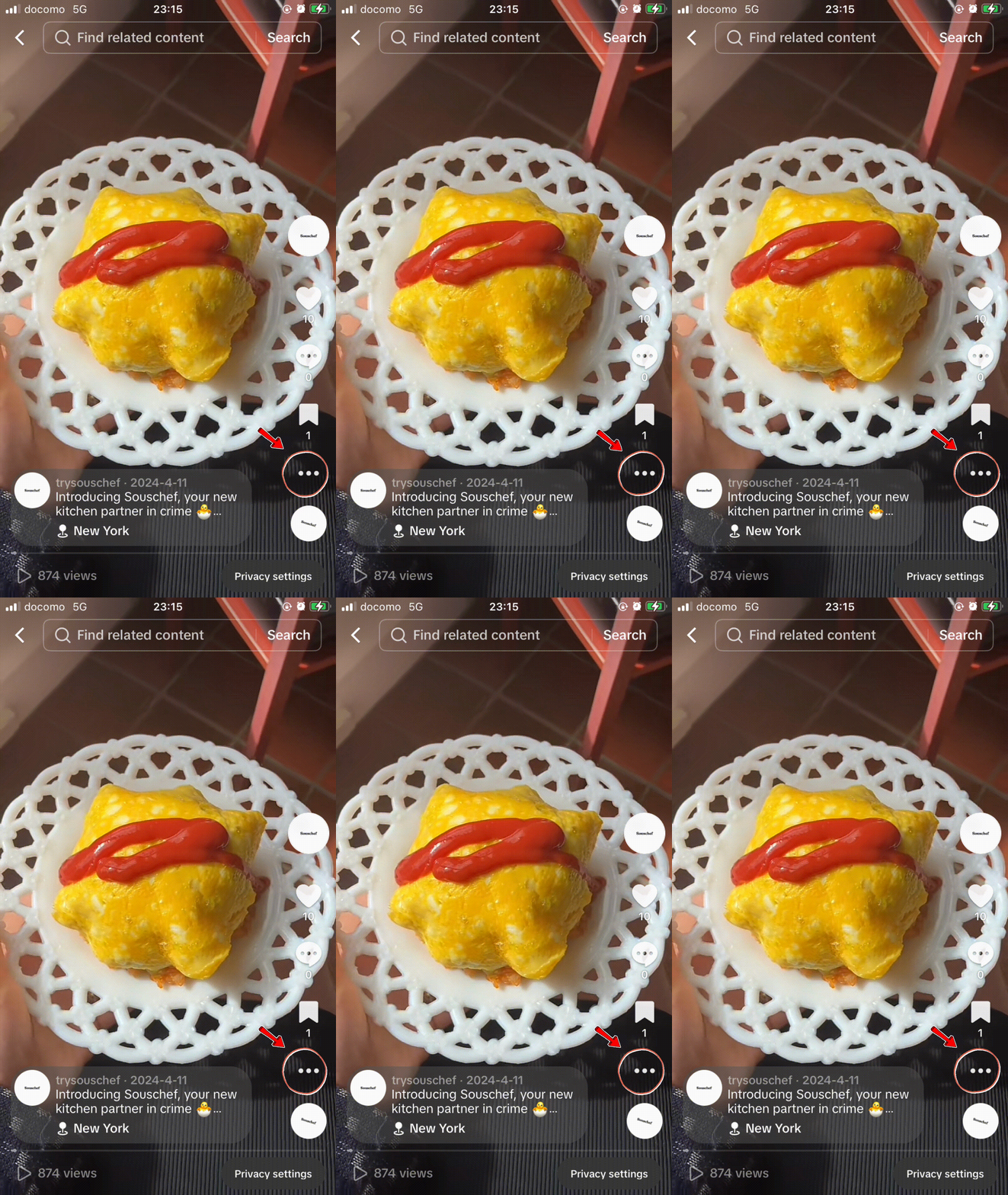
🐾 Step 2: Tap the Share button.
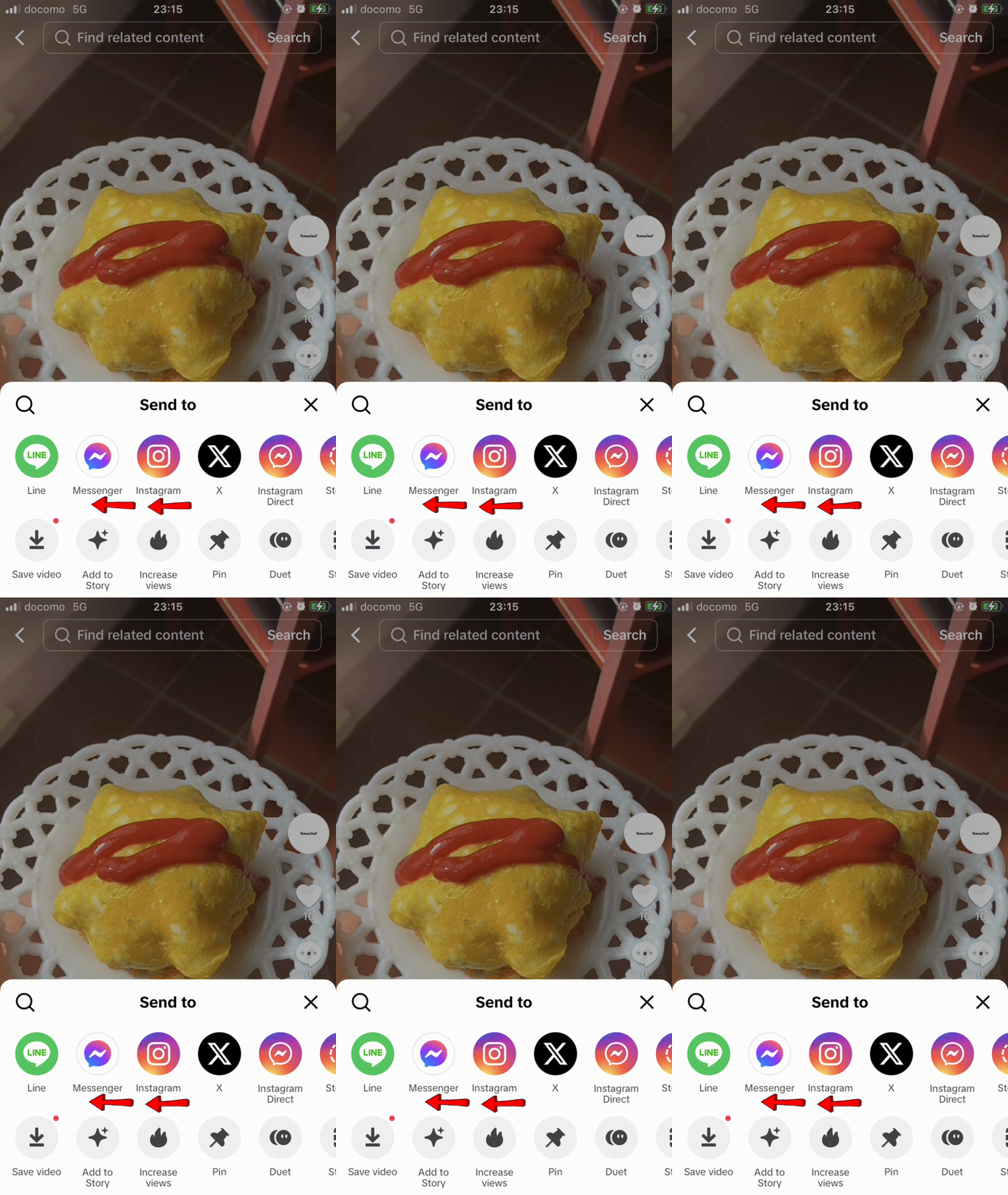
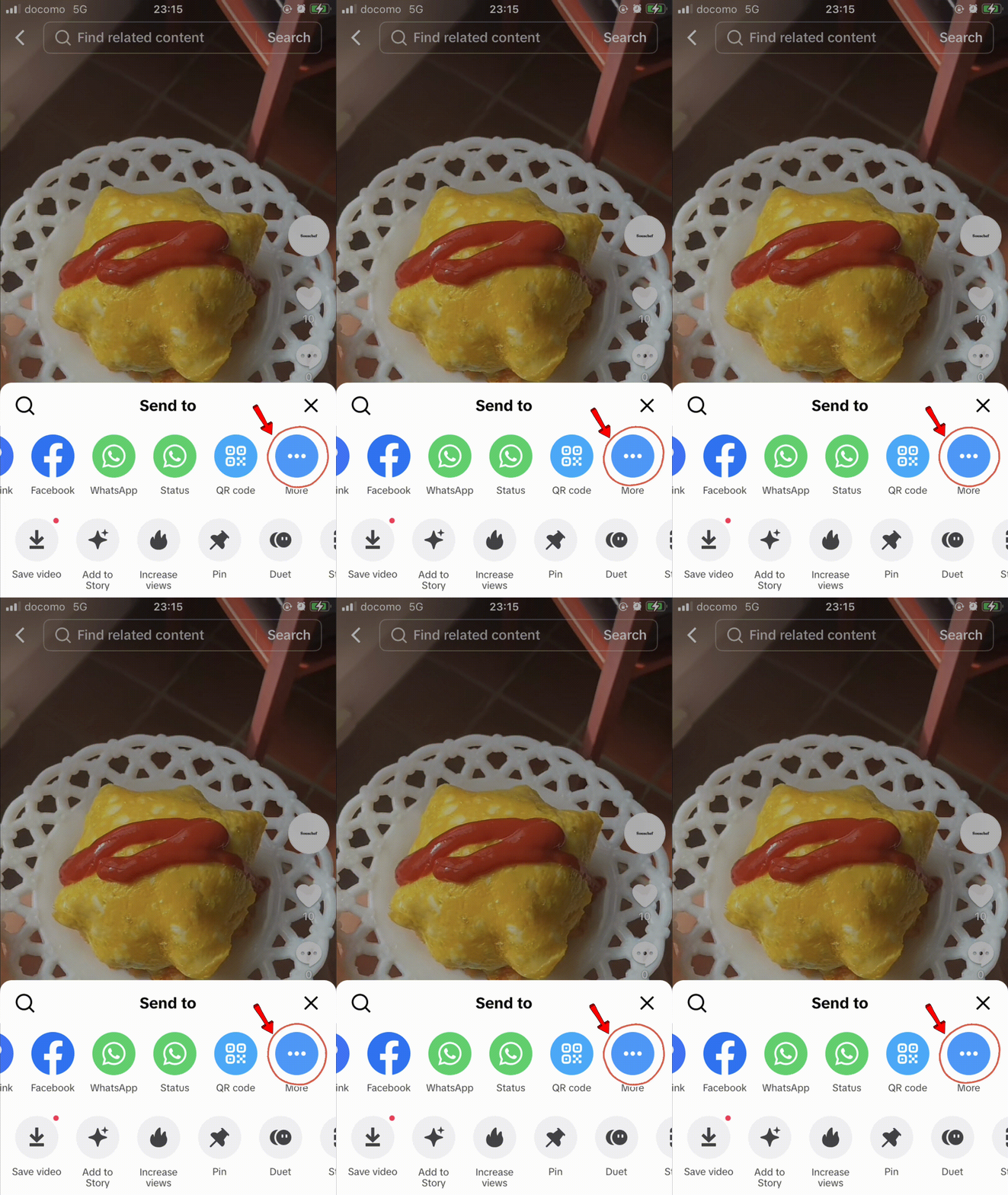
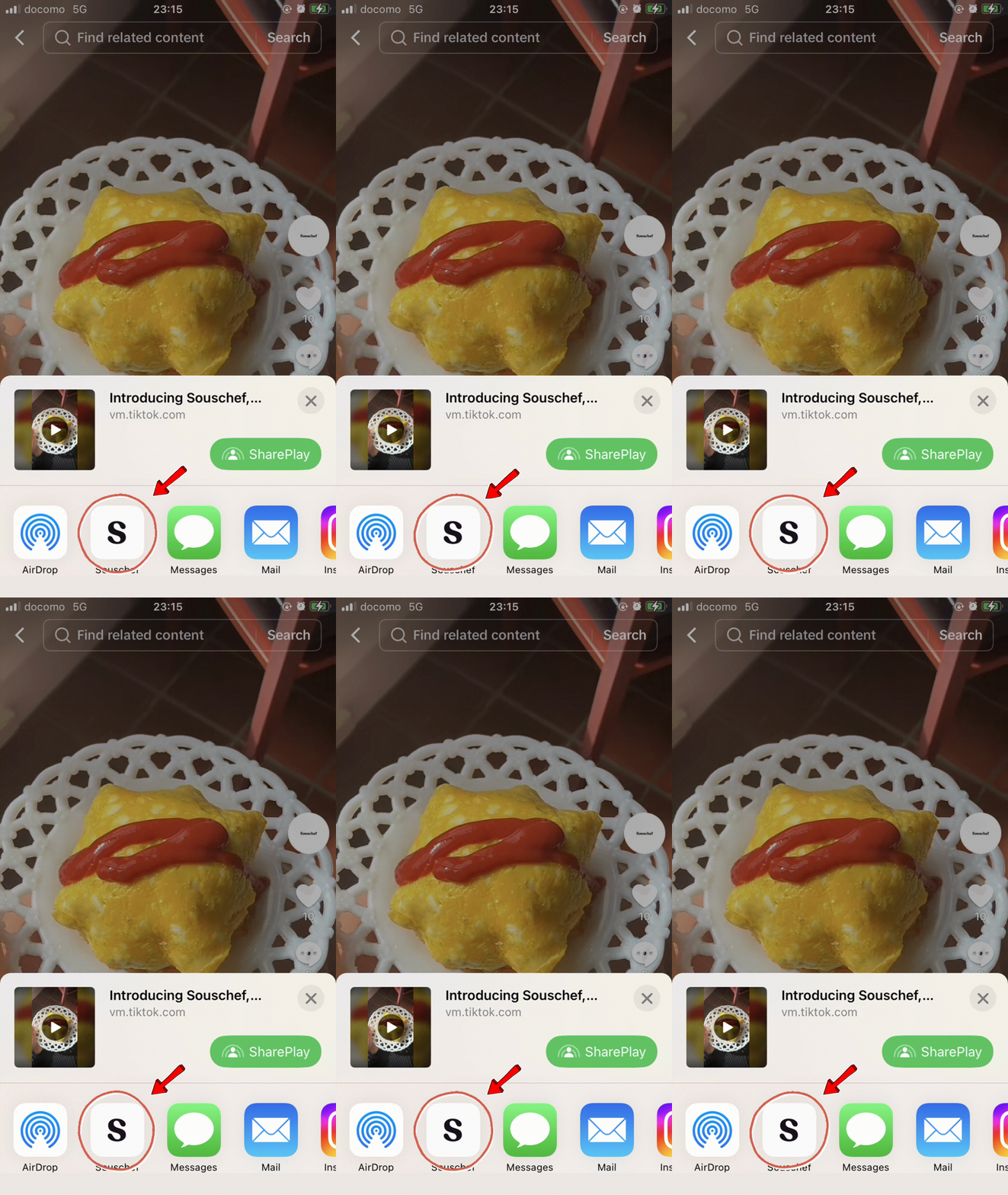
🐾 Step 3: Select Souschef from the available apps. You may need to open the full list of share options the first time.
🐾 Step 4: You can keep browsing while it imports the recipe in the background. Social imports can take up to about 30 seconds, and you will get a notification when it finishes.
🐾 Step 5: Review the ingredients, quantities, temperatures, timings, and steps before saving or cooking.
Save a TikTok recipe by copying its link
The copied-link method is useful if Souschef does not appear in your share menu or if someone sent you the video in a message.
- Copy the recipe video's link in TikTok.
- Open Souschef and paste the link into the recipe importer.
- You can keep browsing while the import runs in the background. Souschef sends a notification when it finishes.
- Review and edit the structured recipe.
What information does Souschef use?
For TikTok imports, Souschef can use:
- The video title or description
- Recipe details written in the caption
- Spoken ingredients or instructions, when audio is available
It does not extract a recipe from the comments. That distinction matters because creators sometimes answer questions or add corrections there. Check the original video if you suspect an important detail is missing.
Why every TikTok import needs a quick review
Souschef organizes the recipe information the creator supplied; it cannot recover details that were never stated. A creator may show an ingredient without naming its quantity, skip a resting time, or say “bake until done” without giving a temperature.
Before you cook, verify:
- Ingredient amounts and units
- Oven or air-fryer temperature
- Cooking and resting times
- The order of important steps
- Allergens and food-safety details
You can correct or add missing information in Souschef's recipe editor.
What can you do after importing the recipe?
Once the TikTok is an organized recipe, you can search for it later, add your own tags or notes, adjust servings, and move its ingredients to a shopping list. It can live alongside recipes imported from Instagram, YouTube, recipe websites, screenshots, and pasted text.
That makes TikTok useful for discovery without forcing TikTok to become your recipe book. 🍜
Frequently asked questions
Can Souschef turn a TikTok video into a written recipe?
Yes. Souschef can organize available details from the TikTok description and spoken audio into ingredients and steps. The result should be reviewed because the source video may omit information.
Does Souschef read TikTok comments?
No. Comments are not used as an import source.
Why is my imported TikTok recipe missing an ingredient amount?
The creator may not have stated the amount in the description or audio. Check the original video, then edit the recipe in Souschef.
How long does a TikTok import take?
It can take up to about 30 seconds. You can keep browsing; Souschef sends a notification when processing is complete.
Is TikTok import available on Android and iPhone?
Yes. The full Souschef app supports iPhone, iPad, and Android.
Save it now, cook it later
The next time a TikTok recipe makes you hungry, share it to Souschef while it is still on your screen. You will have a recipe you can search, edit, shop for, and follow when it is finally time to cook. ૮₍ •⤙•˶₊˚ෆ
If you are comparing apps, start with apps that save social recipes and Souschef vs ReciMe.
Get Souschef for iPhone and iPad or download Souschef for Android. 🍽️✨