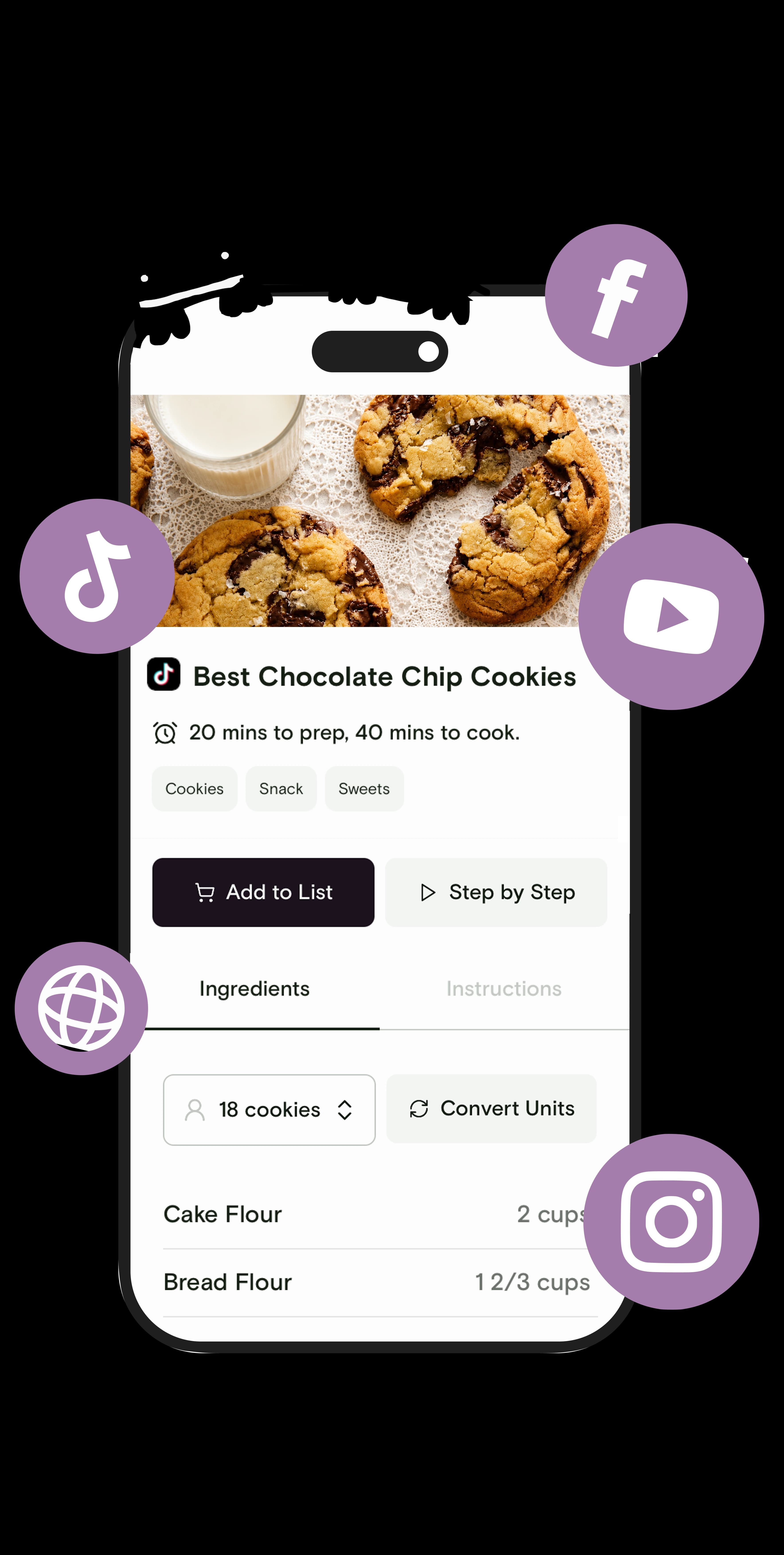
Souschef app — save recipes from Instagram, TikTok, YouTube, Pinterest, and more

Actually cook the recipes you save.

Import recipes from Instagram, TikTok, YouTube, ChatGPT, Claude, and websites—then organize, shop, and cook step by step.


adjustIngredientsadjustIngredients

Souschef is free to download and use.

Import options

Bring recipes in from anywhere

Start with a link, photo, pasted text, or an AI-generated idea. Souschef turns it into a clean recipe you can edit, organize, shop from, and cook.

Scan

Import from cookbooks, handwritten notes, recipe cards, or screenshots.

Import guide: Choose Scan, take or upload a clear photo, then review the extracted recipe.

Text

Paste recipe text copied from another app, note, message, or document.

Import guide: Choose Text, paste the full recipe, and let Souschef structure the ingredients and steps.

Browse

Paste a recipe URL from a website, blog, or social post.

Import guide: Choose Browse or paste the link in the URL field, then import it directly.

Create

Build a recipe from scratch when it lives mostly in your head.

Import guide: Choose Create, add the title, ingredients, and steps, then adjust anytime.

ChatGPT

Ask ChatGPT for a recipe, meal plan, or idea based on what you already have.

Import guide: Copy ChatGPT's answer, open Text import, paste it in, and save the cleaned-up recipe.

Claude

Use Claude to turn pantry notes, dietary needs, or leftovers into a usable recipe.

Import guide: Copy Claude's recipe text, select Text import in Souschef, paste it, and import.

What to ask ChatGPT or Claude

Ask your AI assistant for something specific, then copy and paste the recipe into Souschef.

"I have eggs, tomatoes, and carrots expiring soon. Make a quick recipe using these and keep extra ingredients minimal."

"Create a weeknight dinner from chicken thighs, rice, and broccoli with no more than five additional ingredients."

"Make a high-protein vegetarian dinner for two that uses chickpeas and spinach."